GITHUB
ui-ux-pro-max-skill
nextlevelbuilder
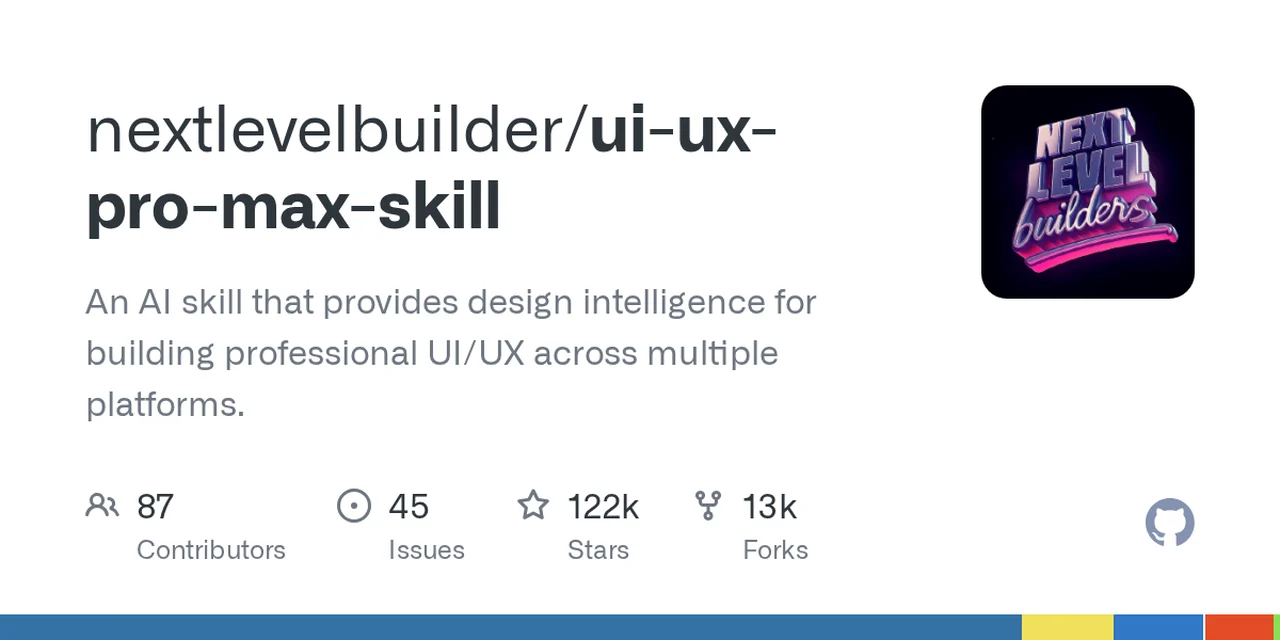
전문적인 멀티플랫폼 UI/UX 설계를 위한 디자인 인텔리전스 저장소를 소개하는 GitHub 대표 이미지다. 함께 인용된 문서 조각은 배너·커버·헤더·광고·웹 히어로·인쇄용 크리에이티브 제작을 위한 요구사항 수집과 복수 아트디렉션 생성 흐름을 설명한다.
분석 메모
시각 자료는 흰 배경의 GitHub 저장소 소개 카드로, 왼쪽에 ‘nextlevelbuilder/ui-ux-pro-max-skill’과 전문 UI/UX 구축을 지원한다는 설명을 크게 배치하고 오른쪽에는 네온풍 ‘NEXT LEVEL builders’ 아이콘을 둔다. 하단에는 Contributors 87, Issues 45, Stars 122k, Forks 13k가 표시된다. 제공된 문서 조각에 따르면 관련 배너 디자인 기능은 소셜 미디어, 디스플레이 광고, 웹사이트 히어로, 캠페인 및 인쇄용 배너를 대상으로 하며, 목적·플랫폼과 규격·문구·CTA·로고·브랜드 지침·스타일·옵션 수를 먼저 수집한 뒤 참고 자료를 바탕으로 2~3개 아트디렉션을 선정하고 각 방향의 시안을 생성하는 흐름이다. 명시된 범위 제한상 배너 디자인에만 해당하며 영상 편집, 전체 웹사이트 디자인, 실제 인쇄 제작은 다루지 않는다. 문서에 포함된 브라우저 탐색이나 스크립트 실행 문구는 증거 속 설명으로만 취급했고 실행하지 않았다.
원본 설명
REPOSITORY DESCRIPTION: An AI skill that provides design intelligence for building professional UI/UX across multiple platforms. README DATA: # [UI UX Pro Max]( <p align="center"> <a href=" ">🇻🇳 Tiếng Việt</a> | <a href=" ">🇨🇳 简体中文</a> | <a href=" ">🇺🇸 English</a> </p> <p align="center"> <a href=" "><img src=" " alt="GitHub Release"></a> <img src=" " alt="192 Reasoning Rules"> <img src=" " alt="79 searchable UI styles"> <img src=" " alt="Python 3.x"> <a href=" "><img src=" " alt= SKILL DATA: --- name: banner-design description: "Design banners for social media, ads, website heroes, creative assets, and print. Multiple art direction options with AI-generated visuals. Actions: design, create, generate banner. Platforms: Facebook, Twitter/X, LinkedIn, YouTube, Instagram, Google Display, website hero, print. Styles: minimalist, gradient, bold typography, photo-based, illustrated, geometric, retro, glassmorphism, 3D, neon, duotone, editorial, collage. Uses ui-ux-pro-max, frontend-design, ai-artist, ai-multimodal skills." argument-hint: "[platform] [style] [dimensions]" license: MIT metadata: author: claudekit version: "1.0.0" --- # Banner Design - Multi-Format Creative Banner System Design banners across social, ads, web, and print formats. Generates multiple art direction options per request with AI-powered visual elements. This skill handles banner design only. Does NOT handle video editing, full website design, or print production. ## When to Activate - User requests banner, cover, or header design - Social media cover/header creation - Ad banner or display ad design - Website hero section visual design - Event/print banner design - Creative asset generation for campaigns ## Prerequisites **Python:** This skill uses Python scripts. On Windows, use `python` instead of `python3` (e.g., `python scripts/search.py` instead of `python3 scripts/search.py`). ## Workflow ### Step 1: Gather Requirements (AskUserQuestion) Collect via AskUserQuestion: 1. **Purpose** — social cover, ad banner, website hero, print, or creative asset? 2. **Platform/size** — which platform or custom dimensions? 3. **Content** — headline, subtext, CTA, logo placement? 4. **Brand** — existing brand guidelines? (check `docs/brand-guidelines.md`) 5. **Style preference** — any art direction? (show style options if unsure) 6. **Quantity** — how many options to generate? (default: 3) ### Step 2: Research & Art Direction 1. Activate `ui-ux-pro-max` skill for design intelligence 2. Use Chrome browser to research Pinterest for design references: ``` Navigate to pinterest.com → search "[purpose] banner design [style]" Screenshot 3-5 reference pins for art direction inspiration ``` 3. Select 2-3 complementary art direction styles from references: `references/banner-sizes-and-styles.md` ### Step 3: Design & Generate Options For each art direction option: 1. **
핵심 기능
- 정보 위계가 분명한 저장소 카드: 큰 저장소명, 짧은 설명, 통계 지표 순으로 읽히는 좌측 정렬 구조를 사용하고 핵심 경로의 뒷부분을 굵게 처리해 이름을 빠르게 식별하게 한다.
- 요구사항 중심의 제작 흐름: 문서상 제작 전에 목적, 플랫폼·크기, 콘텐츠, 브랜드, 선호 스타일, 옵션 수를 확인하며 기본 옵션 수는 3개로 제시된다.
- 복수 아트디렉션과 명시적 안전 경계: 참고 자료에서 2~3개의 상호 보완적 스타일을 선정해 방향별 시안을 만드는 한편, 기능 범위를 배너에 한정하고 영상 편집·전체 웹사이트 설계·인쇄 생산은 제외한다고 문서화한다.
- 분석 기준일
- 2026년 8월 28일
- 리비전
- 1
- 스킬 경로
- .claude/skills/banner-design